AI agents like Claude Code and Codex are becoming capable of increasingly sophisticated tasks—making and executing plans over hundreds or thousands of turns. Like us, they often need access to information from websites to do their work. Unlike us, they’re frequently blocked.
Bot prevention takes many forms, but one of the most common is simply blocking IP address ranges associated with datacenters and filtering out browser user agents tied to known crawlers. It’s effective against naive scraping, but it also blocks legitimate agent workflows.
MCProxy: Browsers Where They’re Least Expected
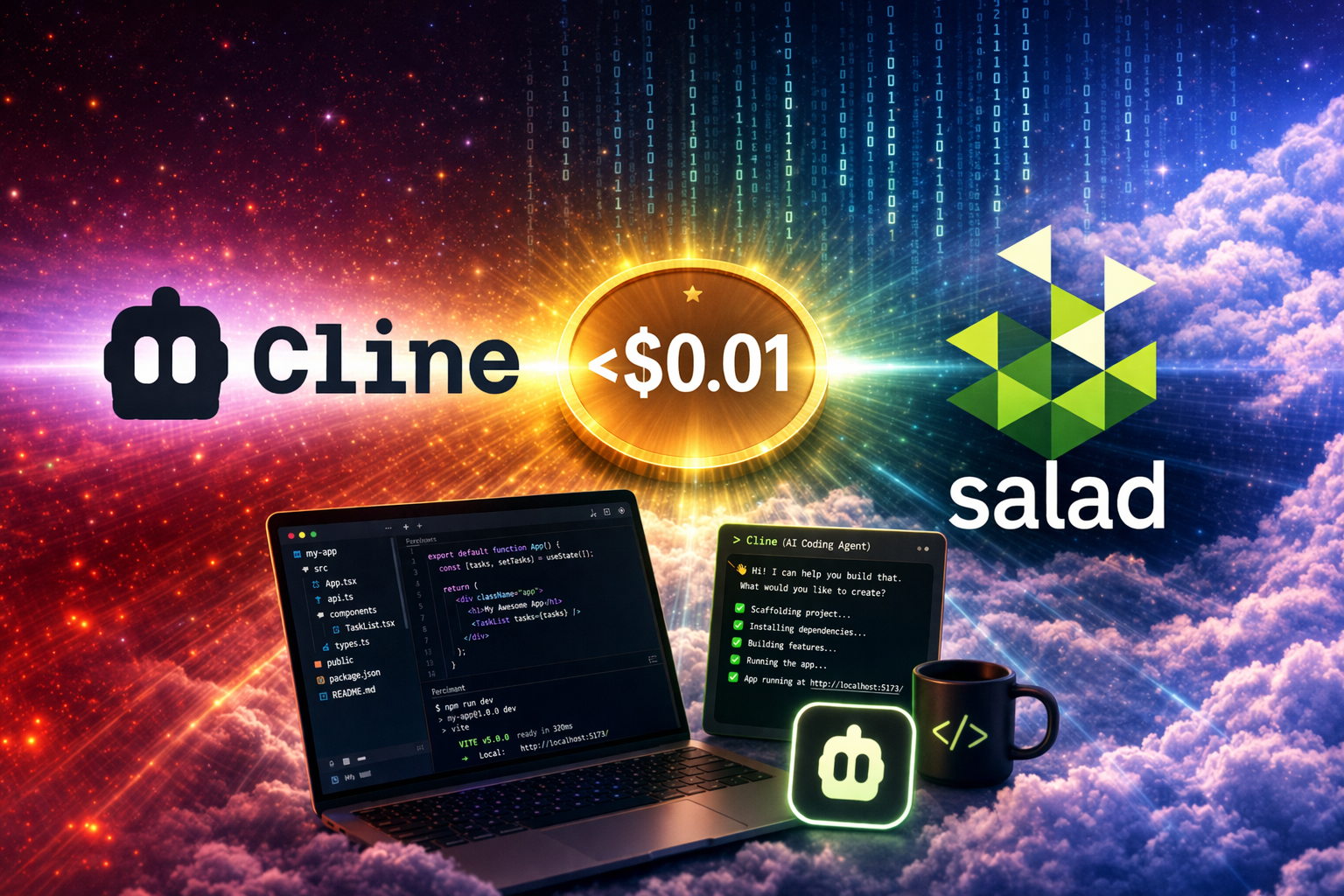
MCProxy lets your agents use full web browsers running on remote residential PCs across Salad’s globally distributed cloud, sidestepping the most common bot prevention mechanisms. Because it runs on Salad Container Engine, billing is friendlier than standard residential proxy services—starting at less than $0.01/hr per geolocation, with unmetered bandwidth and requests.
The system has two components:
- The MCP server runs locally on your machine and connects to your agent
- The Browser server deploys on SaladCloud and runs the actual browsers
If you’re new to MCP (Model Context Protocol), check out this primer, but the core idea is straightforward: MCP provides a uniform standard for exposing tools and resources to AI agents, expanding their capabilities without additional training.
The browser server uses Playwright to run headless browsers on SaladCloud nodes, exposing interaction capabilities to your agent through its MCP connection. Your agent can take screenshots, click or drag on specific locations, type text, and execute JavaScript. A single agent can even maintain multiple browser contexts across different geolocations—say, a Firefox session in the US and a Chromium instance in Germany—or emulate mobile devices.
Deploying on SaladCloud
Getting started is straightforward. You’ll need a SaladCloud account with credits added to your organization. From there, deploy a container group using the MCProxy Recipe.
The recipe configuration page lets you:
- Set an auth token (you’ll use this to configure your local MCP server)
- Choose a number of replicas—each one runs on a PC in a random part of Salad’s network, spread across 150+ countries
As configured, replicas cost $0.008/hr each. They get 1 vCPU and 4GB of RAM, which handles most use cases comfortably. You can adjust resource allocation as needed—and here’s an interesting quirk: Salad doesn’t charge extra for vCPU and RAM when you add a GPU. Since GPUs start at $0.015/hr, there are configurations where adding a GPU is actually cheaper than scaling up CPU and memory alone.
Want to restrict browsers to specific countries? You can update the container group via the API after deployment.
Connecting Your Agent
Once your container group is running, you’ll see an Access Domain Name in the dashboard. Grab this value and replace https with wss. Combined with the auth token you set during configuration, you’ll have everything needed to configure your local MCP server.
If you deployed via the recipe, the full MCP configuration appears in the readme for your container group—just copy and paste.
What This Unlocks
As AI agents take on more complex, multi-step tasks, their ability to interact with the web becomes increasingly important. Research, verification, form submission, data gathering—these are fundamental capabilities that most agents need but struggle to access reliably.
MCProxy removes one of the more frustrating barriers. By giving agents access to real browsers running on residential hardware across a global network, you’re not just avoiding bot detection—you’re giving your agents the same view of the web that actual users see. That means accurate pricing data, region-specific content, and access to services that would otherwise be invisible behind IP-based restrictions.
We’re still in the early days of figuring out what agents can do when given the right tools. Browser access at the edge is one piece of that puzzle—and at less than a penny per hour per location, it’s now cheap enough to experiment freely.
Ready to get started? Check out the MCProxy repo or deploy directly from the recipe.